Used iPhone Buying Guide in Pakistan 2026: 15 Smart Checks Before Paying
Buying a used iPhone in Pakistan can be a smart way to get a premium smartphone without paying the price of a brand-new model. But the used iPhone market also comes with risks. A phone may look perfect on the outside while having a weak battery, replaced parts, an Activation Lock, PTA problems, or hidden hardware damage.
That is why checking the phone properly before paying is extremely important.
In this used iPhone buying guide in Pakistan 2026, we explain 15 important things to check before buying a second-hand iPhone. From PTA approval and IMEI verification to battery health, Face ID, cameras, display, Parts and Service History, and Activation Lock, this checklist can help you make a safer buying decision.
Is Buying a Used iPhone Worth It in Pakistan?
Yes, a used iPhone can be worth buying if the device is in good condition, properly verified, and priced according to its condition.
Older iPhone models can still offer strong performance, good cameras, premium displays, and long-term software support. However, the condition of the individual phone matters more than the model name.
Before paying, check:
- PTA status
- IMEI number
- Activation Lock
- Battery health
- Parts and Service History
- Display
- Face ID or Touch ID
- Cameras
- Speakers and microphone
- Charging port
- SIM/eSIM functionality
- Wi-Fi and Bluetooth
- Physical damage
- Warranty or AppleCare information
- Seller’s return or checking policy
Apple itself recommends checking the physical condition, battery health, parts history and Activation Lock when purchasing a preowned iPhone.
15 Things to Check Before Buying a Used iPhone in Pakistan
1.Used iPhone Buying Guide: Check the iPhone’s PTA Status
For buyers in Pakistan, PTA status should be one of the first checks.
A phone can be genuine and fully functional but still create problems if its IMEI is not compliant for local cellular use.
First, find the IMEI by going to:
Settings → General → About → IMEI
You can also dial:
*#06#
For a dual-SIM or eSIM-capable iPhone, check all relevant IMEI numbers rather than checking only one.
Pakistan’s Device Identification, Registration and Blocking System (DIRBS) is used for device and IMEI-related registration. PTA also provides a process for DIRBS-related complaints.
PTA Check
| Check | What You Want |
|---|---|
| IMEI | Matches the phone |
| PTA status | Compliant/approved for your intended use |
| Multiple IMEIs | Check each relevant IMEI |
| Seller’s claim | Matches official verification |
Important: Do not rely only on a seller’s screenshot. Verify the IMEI yourself before making payment.
2. Used iPhone Buying Guide: Make Sure Activation Lock Is Removed
This is one of the most important checks when buying a second-hand iPhone.
Apple’s Activation Lock is connected to Find My. If the previous owner’s Apple Account remains linked to the device, you may not be able to activate and use it normally.
If you see:
“iPhone Locked to Owner”
do not buy the phone.
Apple specifically advises buyers not to take ownership of a used iPhone that remains protected by Activation Lock.
The safest approach is to ask the seller to erase the iPhone completely in front of you.
After the reset, start the setup process. Ideally, you should reach the Hello screen and be able to begin setting up the iPhone without being asked for the previous owner’s Apple Account.
3. Check the IMEI and Serial Number
Go to:
Settings → General → About
Check:
- IMEI
- Serial number
- Model name
- Model number
- Storage capacity
- iOS version
Compare the information shown on the phone with the seller’s description.
You should also be cautious if the seller’s listing says one storage variant while the phone itself shows another.
For additional Apple coverage information, the device’s serial number can be used with Apple’s coverage tools. Apple also provides coverage information through AppleCare & Warranty settings and its online support system.
4. Used iPhone Buying Guide: Check Battery Health
Battery health is one of the biggest factors affecting the value of a used iPhone.
Go to:
Settings → Battery → Battery Health
Depending on the iOS version and model, you may see information such as:
- Maximum Capacity
- Battery health messages
- Cycle information on supported models
A high battery capacity is generally preferable because it means the battery has more usable capacity remaining.
However, don’t judge the phone only by one percentage.
For example:
| Battery Health | General Buying View |
|---|---|
| 90–100% | Excellent |
| 85–89% | Good |
| 80–84% | Acceptable, inspect carefully |
| Below 80% | Budget for possible battery replacement |
These are practical buying guidelines, not Apple’s official pass/fail categories.
Apple notes that battery-health information can be affected when a battery is unknown or cannot be verified as genuine, so check for any battery warnings as well.
5.Used iPhone Buying Guide: Check Parts and Service History
This is one of the most useful features for checking a preowned iPhone.
Go to:
Settings → General → About
On supported iPhones and iOS versions, you may see Parts and Service History.
Apple explains that the section can show information about replaced components and may identify parts as:
- Genuine
- Used
- Unknown
- Unverified
depending on the device, component and repair history.
What Does “Unknown Part” Mean?
An Unknown Part warning can mean that a component is not genuine, has not been properly verified, is not functioning as expected, or cannot be linked correctly to the device.
It does not automatically mean the entire iPhone is unusable.
However, you should ask the seller:
Which part was replaced and why?
Then negotiate the price accordingly.
6. Used iPhone Buying Guide: Inspect the Display Carefully
Turn the brightness up and inspect the screen under good lighting.
Look for:
- Cracks
- Deep scratches
- Dead pixels
- Bright spots
- Dark spots
- Screen burn-in
- Uneven brightness
- Touch problems
- Display discoloration
Open a white image and a black image if possible.
Then test the touchscreen by dragging an app icon across different areas of the display.
A damaged or replaced display can significantly affect the value of a used iPhone.
7. Test Face ID or Touch ID
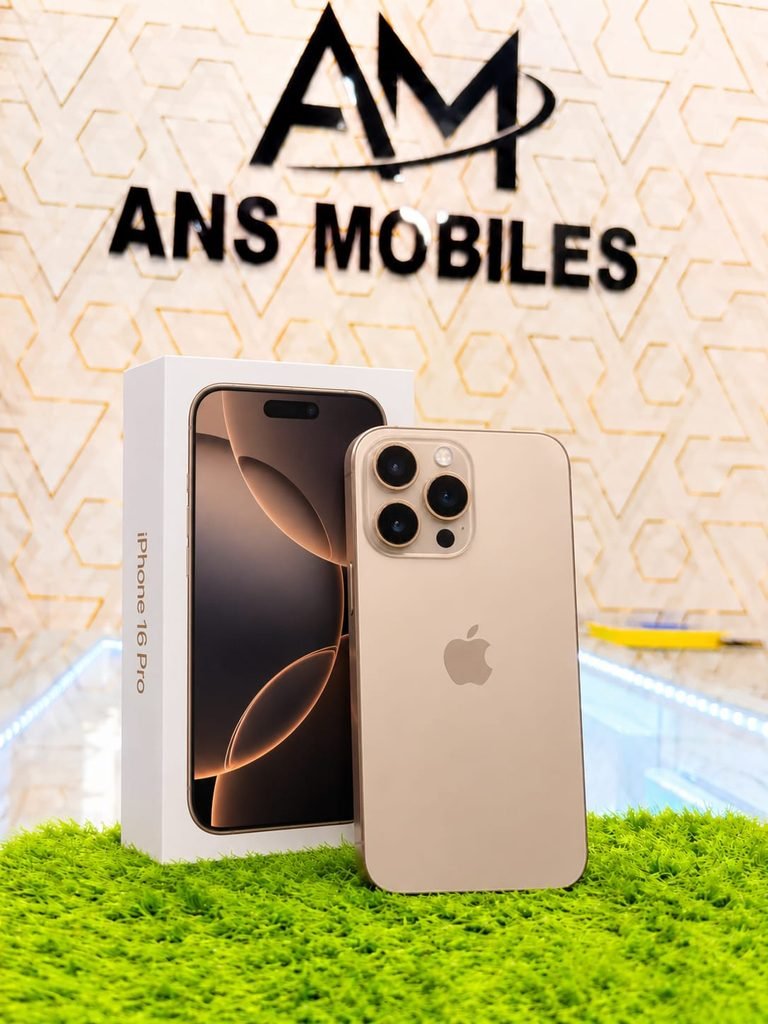
Biometric authentication is another important component to test.
For Face ID models:
Settings → Face ID & Passcode
Set up Face ID or test the existing function.
Make sure the phone can:
- Recognize your face
- Unlock correctly
- Authenticate App Store purchases when applicable
- Work consistently
For models with Touch ID, test the fingerprint sensor.
If Face ID or Touch ID does not work, don’t ignore the problem just because the phone otherwise looks good.
8. Used iPhone Buying Guide: Test All Cameras
Open the Camera app and test every available camera.
Check:
- Main camera
- Ultra-wide camera
- Telephoto camera, if available
- Front camera
- Portrait mode
- Video recording
- Autofocus
- Flash
Take photos in both bright and low-light conditions.
Look for:
- Blurry images
- Strange spots
- Camera shaking
- Focus problems
- Unusual colors
- Cracks around the camera glass
If the phone has multiple cameras, test each lens separately.
9.Used iPhone Buying Guide: Test the Speakers and Microphone
Play a video or music at different volume levels.
Listen for:
- Distortion
- Crackling
- Low volume
- Buzzing
- Uneven sound
Then make a test voice recording and play it back.
If possible, make a short phone call to test the microphone and earpiece.
Also test the speakerphone.
10. Used iPhone Buying Guide: Check the Charging Port and Charging
Connect a compatible charger and make sure the phone charges normally.
Check whether:
- The cable connects securely
- Charging starts immediately
- The connection does not randomly disconnect
- The port looks clean
- The phone does not become unusually hot
If possible, test wireless charging on models that support it.
A damaged charging port may turn a seemingly cheap iPhone into an expensive repair.
11. Used iPhone Buying Guide: Test SIM, Network, Wi-Fi and Bluetooth
Insert your SIM and make a test call.
Check:
- Cellular signal
- Mobile data
- Calls
- SMS
- Wi-Fi
- Bluetooth
- Hotspot
For carrier-unlocked iPhones, Apple says you can check Settings → General → About → Carrier Lock. A device showing “No SIM restrictions” is unlocked.
This is particularly important when buying an imported iPhone.
12.Used iPhone Buying Guide: Check the Physical Condition
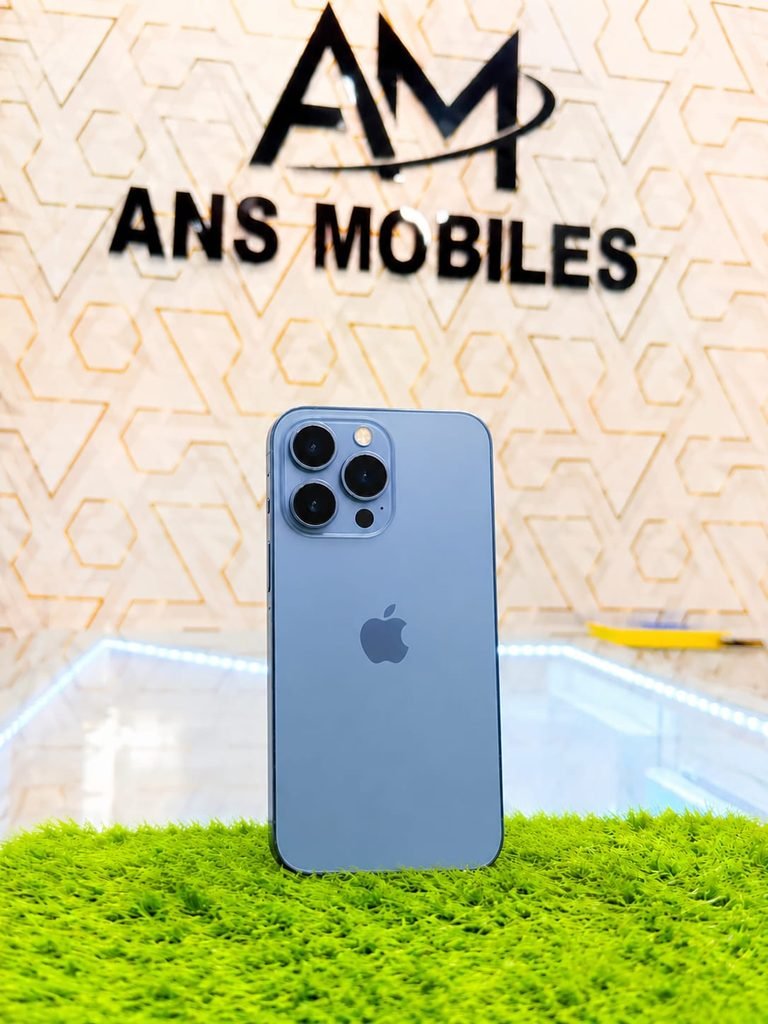
Remove the case before inspecting the phone.
Look carefully at:
- Screen
- Frame
- Back glass
- Camera area
- Buttons
- SIM tray
- Charging port
- Screws and edges
Apple also recommends checking the display, sides, back and charging connector when inspecting a preowned iPhone.
Used iPhone Buying Guide: Look for Signs of a Previous Repair
Be cautious if you notice:
- Uneven screen fitting
- Gaps around the display
- Damaged screws
- Different-colored frame sections
- Loose buttons
- Camera glass damage
- Heavy dents around the edges
A heavily repaired phone is not necessarily worthless, but the price should reflect its condition.
13. Used iPhone Buying Guide: Check for Water or Liquid Damage
Liquid damage can cause problems long after the phone appears normal.
Check the phone carefully for signs of previous liquid exposure.
Also test multiple functions because liquid damage can affect:
- Charging
- Speakers
- Microphone
- Cameras
- Cellular connectivity
- Face ID
- Battery behavior
If you suspect liquid damage, consider having the device inspected by a qualified technician before paying.
14. Used iPhone Buying Guide: Verify the Storage and Exact Model
Do not assume the storage based on the seller’s advertisement.
Go to:
Settings → General → About
Confirm:
- iPhone model
- Storage
- Model number
- Serial number
- IMEI
For example, if the seller advertises a 256GB iPhone but the phone reports 128GB, do not proceed until the discrepancy is explained.
Also compare the model with the physical design.
15. Used iPhone Buying Guide: Check the Seller, Price and Return Policy
if you have any query about this phone visit official iphone websit
Even a perfect-looking phone can become a bad purchase if the seller is unreliable.
Before paying, ask:
- Is there a checking warranty?
- Can I test the phone before payment?
- Is there a return period?
- Is PTA status guaranteed?
- Are replaced parts disclosed?
- Is the battery health genuine?
- Can the seller provide a receipt?
- Is the IMEI written on the invoice?
Apple recommends buying preowned devices from reliable sellers and understanding the return policy, especially when purchasing online.
If a seller refuses basic testing, pressures you to pay immediately, or gives excuses for why you cannot check the phone, consider walking away.
Used iPhone Buying Guide: Used iPhone Checklist Before Paying
Save this checklist on your phone before visiting a seller.
| Check | Pass? |
|---|---|
| PTA/IMEI verified | ☐ |
| All relevant IMEIs checked | ☐ |
| Activation Lock removed | ☐ |
| Hello/setup screen available | ☐ |
| Serial number checked | ☐ |
| Model and storage verified | ☐ |
| Battery Health checked | ☐ |
| Parts and Service History checked | ☐ |
| Display tested | ☐ |
| Face ID/Touch ID tested | ☐ |
| Front and rear cameras tested | ☐ |
| Speakers tested | ☐ |
| Microphone tested | ☐ |
| Charging port tested | ☐ |
| SIM/mobile data tested | ☐ |
| Wi-Fi/Bluetooth tested | ☐ |
| Physical condition inspected | ☐ |
| Liquid-damage concerns checked | ☐ |
| Warranty/coverage checked where applicable | ☐ |
| Seller/return policy verified | ☐ |
PTA Approved vs Non-PTA Used iPhone
One of the biggest decisions for Pakistani buyers is whether to purchase a PTA-approved or non-PTA iPhone.
| Feature | PTA-Approved iPhone | Non-PTA iPhone |
|---|---|---|
| Pakistani cellular use | Designed for compliant local use | Registration may be required |
| Upfront price | Usually higher | Usually lower |
| PTA registration concern | Lower | Important |
| Resale convenience | Generally easier | Depends on status |
| Best for | Everyday local SIM use | Buyers who understand registration requirements |
A non-PTA iPhone may appear much cheaper, but don’t compare only the purchase price. Consider the registration requirements and total cost before deciding.
Used iPhone Buying Guide: What Battery Health Should You Look for in a Used iPhone?
There is no single battery percentage that makes every used iPhone a good or bad purchase.
As a practical buyer’s guide:
90%+ — excellent condition for many used devices.
85–89% — generally good.
80–84% — acceptable if the price reflects the battery condition.
Below 80% — consider the potential cost of a replacement.
Apple’s own guidance explains that iPhone battery health can be checked in Settings and that the system may display important battery messages. Apple also notes that battery-health information may not be accurate when an unknown or nongenuine battery cannot be verified.
Therefore, don’t buy solely because a seller claims, “Battery 100%.”
Check the information directly on the iPhone.
Red Flags: When You Should Walk Away
Some problems are serious enough to stop the deal.
Avoid the phone if:
- It shows iPhone Locked to Owner
- The seller refuses to remove their Apple Account
- The IMEI information doesn’t match
- PTA status is unclear
- The phone has unexplained major repairs
- Face ID is not working without a convincing explanation
- The seller refuses testing
- The phone repeatedly restarts
- Charging is unreliable
- There is serious liquid damage
- The price is suspiciously low
- The seller pressures you to pay before checking
A cheap iPhone is not necessarily a good deal.
The best used iPhone is the one whose ownership status, IMEI, condition, battery, repair history and functionality can all be verified.
Used iPhone Buying Guide: Quick Decision Table
| Situation | Recommendation |
|---|---|
| PTA approved + good battery + no major repairs | ✅ Strong choice |
| PTA approved + 80–84% battery | ✅ Consider at the right price |
| Non-PTA + very low price | ⚠️ Calculate total cost first |
| Unknown replacement parts | ⚠️ Negotiate or inspect carefully |
| Face ID not working | ❌ Usually avoid |
| Activation Locked | ❌ Do not buy |
| IMEI mismatch | ❌ Do not buy |
| Seller refuses testing | ❌ Walk away |
| Excellent condition + verified history | ✅ Good candidate |
Used iPhone Buying Guide: Should You Buy a Used iPhone in Pakistan in 2026?
A used iPhone can still be an excellent choice in 2026 if you choose the individual device carefully.
Instead of focusing only on the iPhone model and advertised price, check the phone’s PTA status, IMEI, Activation Lock, battery health, Parts and Service History, display, cameras, Face ID, charging, network connectivity and physical condition.
For Pakistani buyers, PTA verification is especially important because the phone’s local cellular usability and overall ownership cost can depend on its registration status.
The safest strategy is simple:
Check everything before you pay.
If the seller allows you to verify the phone properly and all important checks pass, you can consider the purchase. If something important cannot be verified, don’t let a low price pressure you into the deal.
Used iPhone Buying Guide: Frequently Asked Questions
How do I check a used iPhone before buying in Pakistan?
Check the IMEI and PTA status first, then verify Activation Lock, battery health, Parts and Service History, display, cameras, Face ID, speakers, microphone, charging, SIM, Wi-Fi and Bluetooth. Finally, inspect the physical condition and seller’s return policy.
How do I check if an iPhone is PTA approved?
Find the phone’s IMEI using Settings → General → About or by dialing *#06#, then verify the IMEI through the appropriate official PTA/DIRBS process. Check every relevant IMEI on dual-SIM or eSIM-capable devices.
What is the best battery health for a used iPhone?
A battery health of around 90% or higher is generally attractive for a used iPhone. Around 85–89% can still be good, while below 80% should make you consider the cost of a potential battery replacement.
What does iPhone Locked to Owner mean?
It means Activation Lock is enabled and the iPhone remains associated with the previous owner’s Apple Account. Apple advises buyers not to take ownership of a device that remains Activation Locked.
Should I buy an iPhone with an Unknown Part message?
Not automatically. An Unknown Part message indicates that Apple cannot verify a component normally. Find out which component was replaced and why, then consider the effect on reliability and resale value.
How can I check if a used iPhone has been repaired?
Go to Settings → General → About and look for Parts and Service History on supported devices. Apple may identify replaced components and provide information about whether parts are genuine, used, unknown or unverified.
Is a non-PTA iPhone worth buying?
It can be, but only after considering the registration requirements and total cost. A lower purchase price does not automatically mean a better deal.
Should I pay before checking the iPhone?
No. Inspect the phone and verify important information before completing payment. If the seller refuses reasonable testing, consider it a red flag.
Can I check an iPhone’s warranty?
Depending on the device and coverage, you can check AppleCare & Warranty information on the iPhone or use Apple’s online coverage/support tools.
if you like this article you can visit ansmobile for more interesting article
Final Used iPhone Checklist
Before handing over your money, remember:
IMEI ✓
PTA ✓
Activation Lock ✓
Battery ✓
Parts History ✓
Display ✓
Face ID ✓
Cameras ✓
Speakers ✓
Microphone ✓
Charging ✓
SIM ✓
Wi-Fi ✓
Bluetooth ✓
Physical Condition ✓
Seller/Return Policy ✓
If all major checks pass, you have a much better chance of getting a reliable used iPhone instead of an expensive problem.
ANSMobile Tip: Never buy a used iPhone based only on its model, storage or low price. Verify the actual device in front of you before paying.